Ruler AR app iconRuler.
AR + LIDAR · PRECISION TOOLKIT

Tape
Measure.
Reinvented.

Your iPhone as a pocket digital measuring tape, always at hand. Point the camera, get length, height, area, and a full 3D room plan in seconds. No tape. No assistant. No guesswork.

Featured in App Store Utilities · 3,500+ reviewers · 20 languages · iPhone Xs and newer
Ruler AR app, AR tape measure on iPhone showing live distance measurement
3,500+
Verified reviewers
20
Languages supported
iOS 16.6+
iPhone & iPad
Featured
in App Store Utilities

One app replaces your tape measure, room planner, laser, and interior designer

ContractorsInterior designersReal estate agentsDIY renovatorsArchitects
What it does

One app replaces your tape, planner, laser, and interior designer.

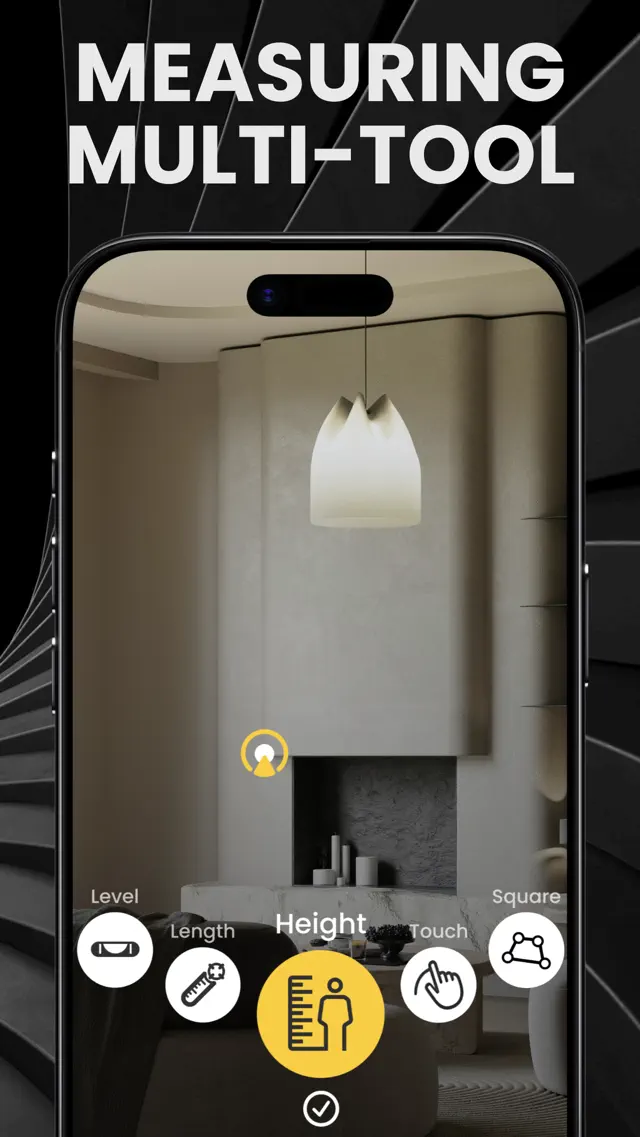
Designed for contractors who bill by the millimetre, designers who plan in 3D, and homeowners who just want to know if the sofa will fit. Every measurement scenario your iPhone can solve, built around ARKit and LiDAR.

01 · AR Distance & Length

Camera Measure, point, tap, done

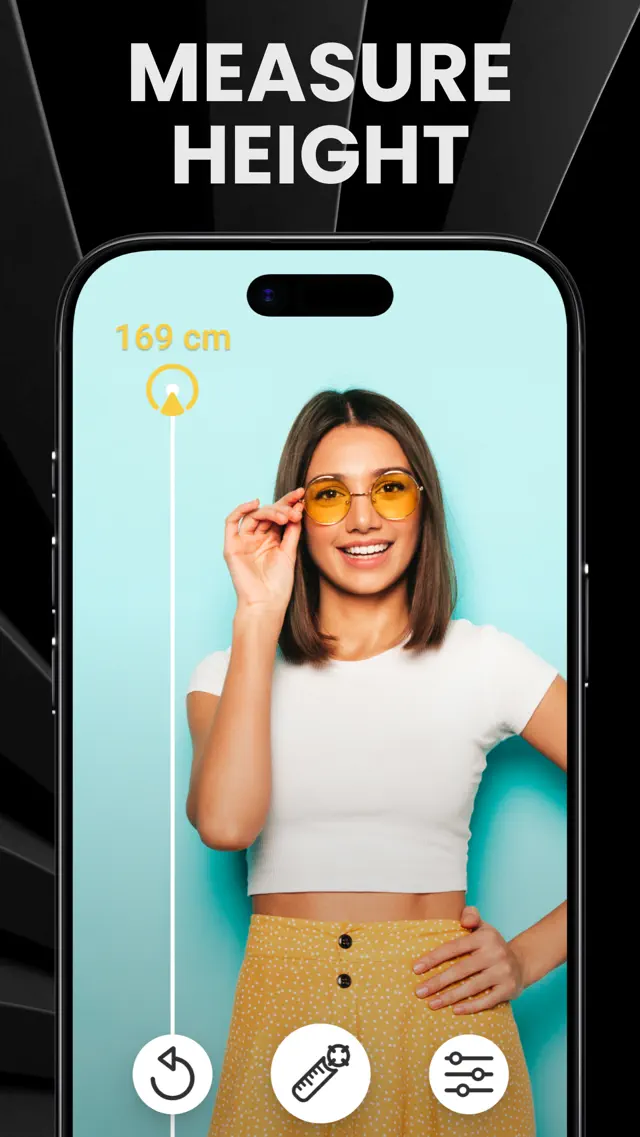
Point your iPhone camera at any object. Tap the start and end points to capture a precise dimension in centimetres, metres, inches, or feet. The AR session adapts to lighting, surface texture, and distance, so a 4 cm screw and a 4 m wall both stay accurate. Built on ARKit world tracking with frame-by-frame outlier filtering.
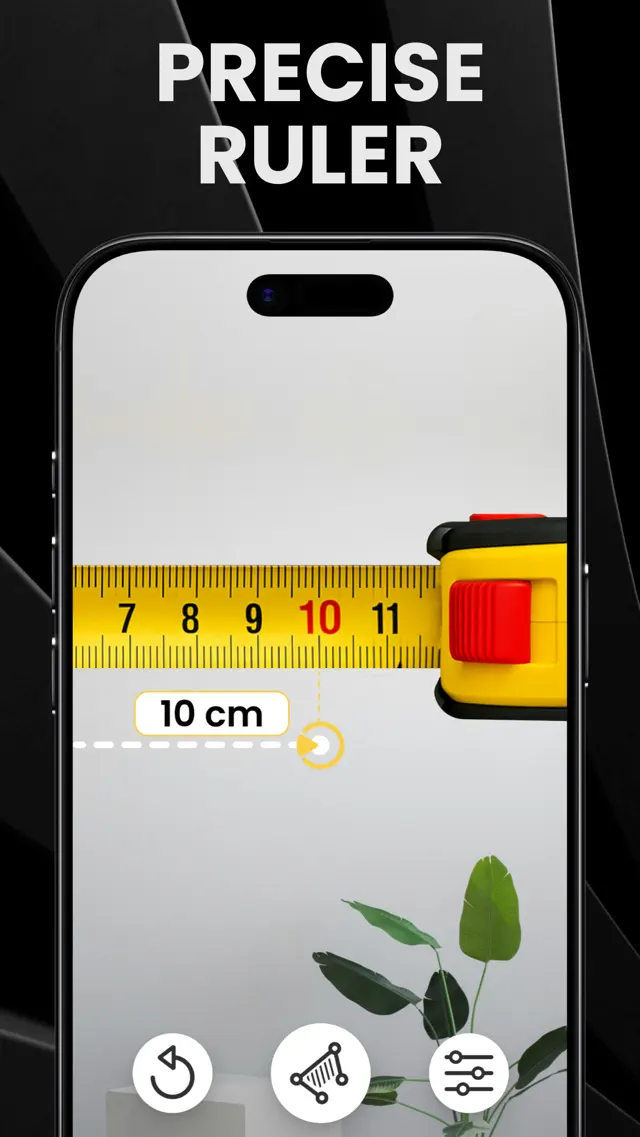
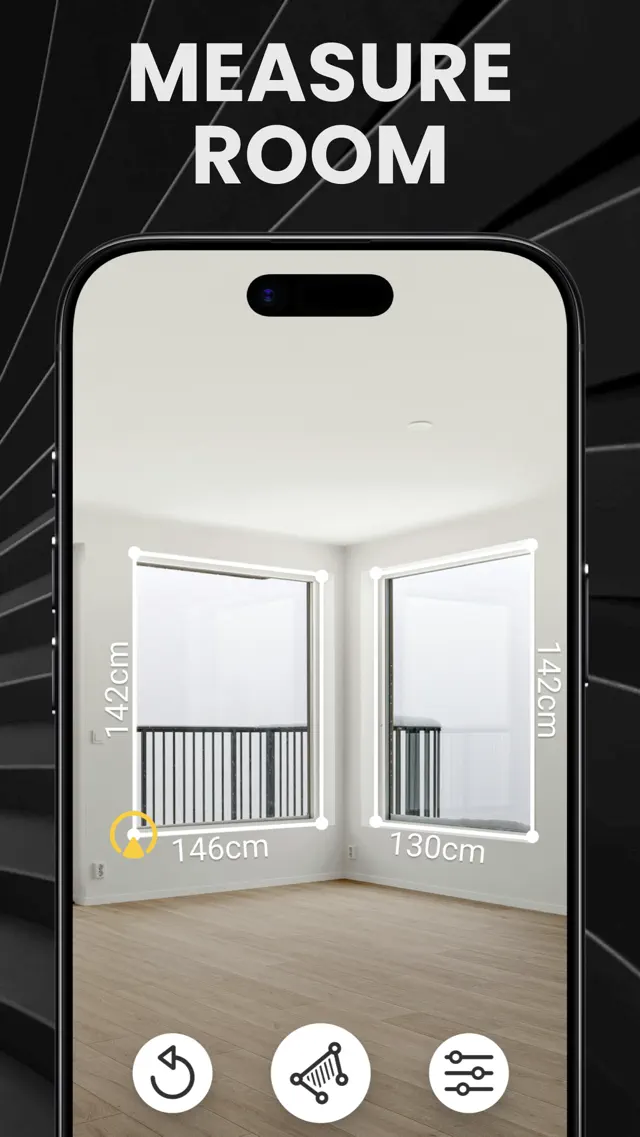
AR camera measure on iPhone, measuring length with augmented reality
02 · RoomPlan AI scanner

3D Room Plans with LiDAR

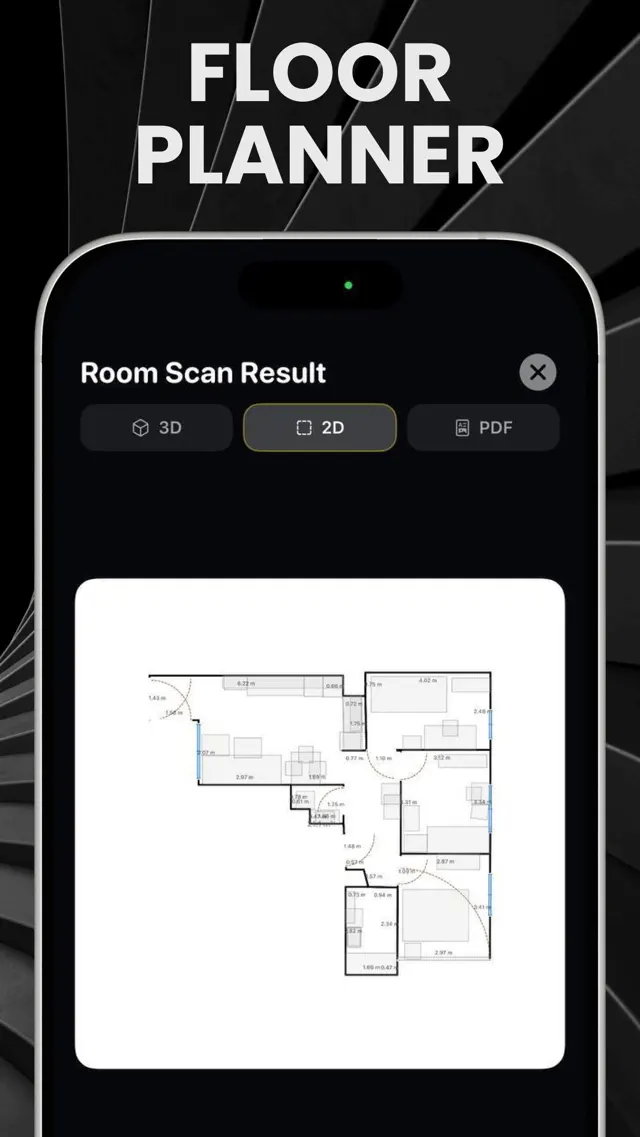
Walk through any room. The app builds a full 3D floor plan as you go, walls, windows, doors, furniture categorised automatically. Export to PDF or share as a 3D model with your contractor, architect, or insurance adjuster. Works on every iPhone Pro and iPad Pro with LiDAR sensor (12 Pro and newer).

LiDAR 3D room scanner generating floor plan on iPhone
03 · AR floor plans for every iPhone

Manual Room Builder (no LiDAR required)

No LiDAR? No problem. Walk along each wall, tap corners, and the app builds a clean orthogonal floor plan with self-intersection detection, angle snapping, and live mini-map preview. Works on every iPhone from iPhone Xs and up.

Manual room builder for iPhone without LiDAR, floor plan from corner taps
04 · AR protractor

Angle & Square, precision corners

Measure angles between any two surfaces. Check if a wall is plumb, a shelf is square, a frame is level. Perfect for hanging artwork, aligning cabinets, or verifying corners during renovation, accurate to within a degree.

AR angle measurement tool on iPhone
05 · Digital spirit level

Bubble Level, always in your pocket

A reliable digital level powered by your iPhone's accelerometer. Vertical, horizontal, and free-rotation modes. Align shelves, picture frames, washing machines, or check that a floor isn't slanting, without digging through a toolbox.

Digital bubble level on iPhone, spirit level for hanging frames
06 · PDF · share · folders

Organize & Export, your project, your way

Save measurements into project folders. Attach notes and photos. Export full PDF reports with dimensions and 2D floor plans, or share individual measurements via Messages, Mail, or AirDrop. Every measurement is one tap away from being delivered to your team.

PDF export and project folders for measurements
Who uses it

Built for people who build things

Specific scenarios, specific tools. The app ships presets and accuracy profiles for the people who measure for a living, and for everyone who just needs to settle a dinner-table argument about whether the bookshelf fits.

01

Contractors & remodelers

Site surveys, punch lists, change orders. Export a PDF with measurements and floor plan before you leave the job.

02

Interior designers

Capture a room in 60 seconds. Plan layouts in 3D. Share the floor plan with clients before the first revision.

03

DIY & home renovation

Measure for paint, tile, flooring, and wallpaper. The material calculator turns dimensions into shopping lists.

04

Real estate agents

Generate floor plans for listings on the walkthrough. Buyers see a measured plan, not a guess.

05

Furniture shopping

Will the couch fit? Measure your space, save the dimensions, and check at IKEA, Home Depot, or wherever you shop.

06

Everyday measurements

A package, a parking spot, a kid's height. When the tape measure is in the garage, your iPhone is in your pocket.

How it compares

Tape measure app vs. the alternatives

There are three ways to measure a room. Two of them require a second pair of hands, a 25-foot tape, and good light. Here's the honest comparison.

CapabilityRuler ARPhysical tapeiPhone Measure (built-in)
One-person workflow
Measures up to 5 m / 16 ftdepends
Captures angles
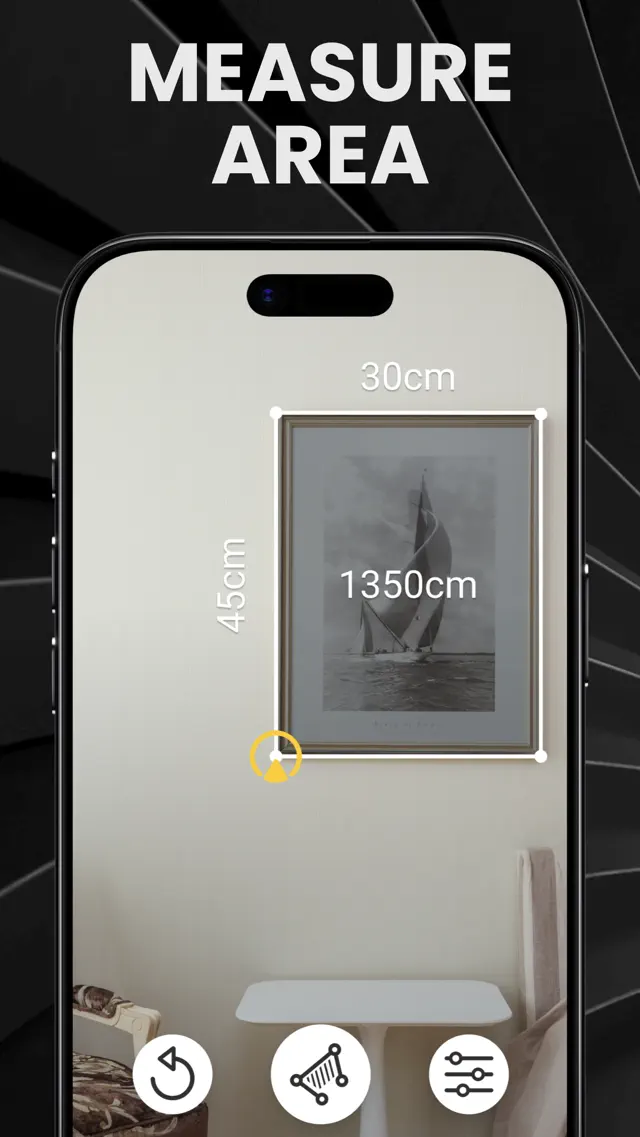
Captures areamanual math
3D room scan with LiDAR
Manual floor plan builder
PDF export & sharing
Project folders & notes
Bubble level included
Works without internet
PriceFree$5, $25Free

← swipe →

Last updated for app version 5.0. iPhone Measure refers to Apple's built-in Measure app shipped with iOS.

How it works

Three taps to a measurement

01

Open & aim

Launch the app. Raise your iPhone toward the wall, floor, or object you want to measure. The AR session calibrates in under two seconds.

02

Tap start and end

Tap the start point. Move your iPhone to the end point. Tap again. The measurement appears on screen in real time, in cm, m, inches, or feet.

03

Save, share, export

Every measurement lands in your history with a thumbnail. Send a PDF to your client, share a screenshot in Messages, or save the full project for later.

Two editions

Free for everyone. Pro for professionals.

Ruler AR app icon01 / FREE EDITION

Ruler AR

The AI tape measure for everyday measuring. Free, forever.

  • Camera measure (length, height, area)
  • Bubble level & angle tool
  • Manual room builder
  • Save to project folders
Ruler Pro app icon02 / PRO EDITION

Ruler Pro

Professional precision. LiDAR 3D room scanning, unlimited PDF & 3D export, no ads, no limits.

  • Everything in Ruler AR
  • LiDAR 3D room scanning
  • Unlimited PDF & USDZ export
  • Priority support, no ads, no limits
Get Ruler Pro

Free with IAP

What reviewers say

From the App Store

★★★★★
There is an easy learning curve to this app and once you get it, it becomes a perfect tool.
rKid · App Store
★★★★★
Easy to use, accurate, free trial, does exactly what I want it to do.
App Store · UK
★★★★★
Pretty neat. Can be used for everyday measures.
4kwuai · App Store
Common questions

What people ask before downloading

No. Camera measurement, angle tool, bubble level, and the Manual Room Builder work on every iPhone running iOS 16.6 or newer, iPhone Xs and up. LiDAR is required only for the automatic 3D room scanner (iPhone 12 Pro and newer, iPad Pro 2020+).

Stop guessing.
Start measuring.

Free on the App Store. iOS 16.6 and newer. Hundreds of thousands of measurements taken every day, yours is next.

Ruler AR
Free · iOS 16.6+
Get the App